How to Make Your Website More User-Friendly.
Gangatara Team
Engineering & Design Experts
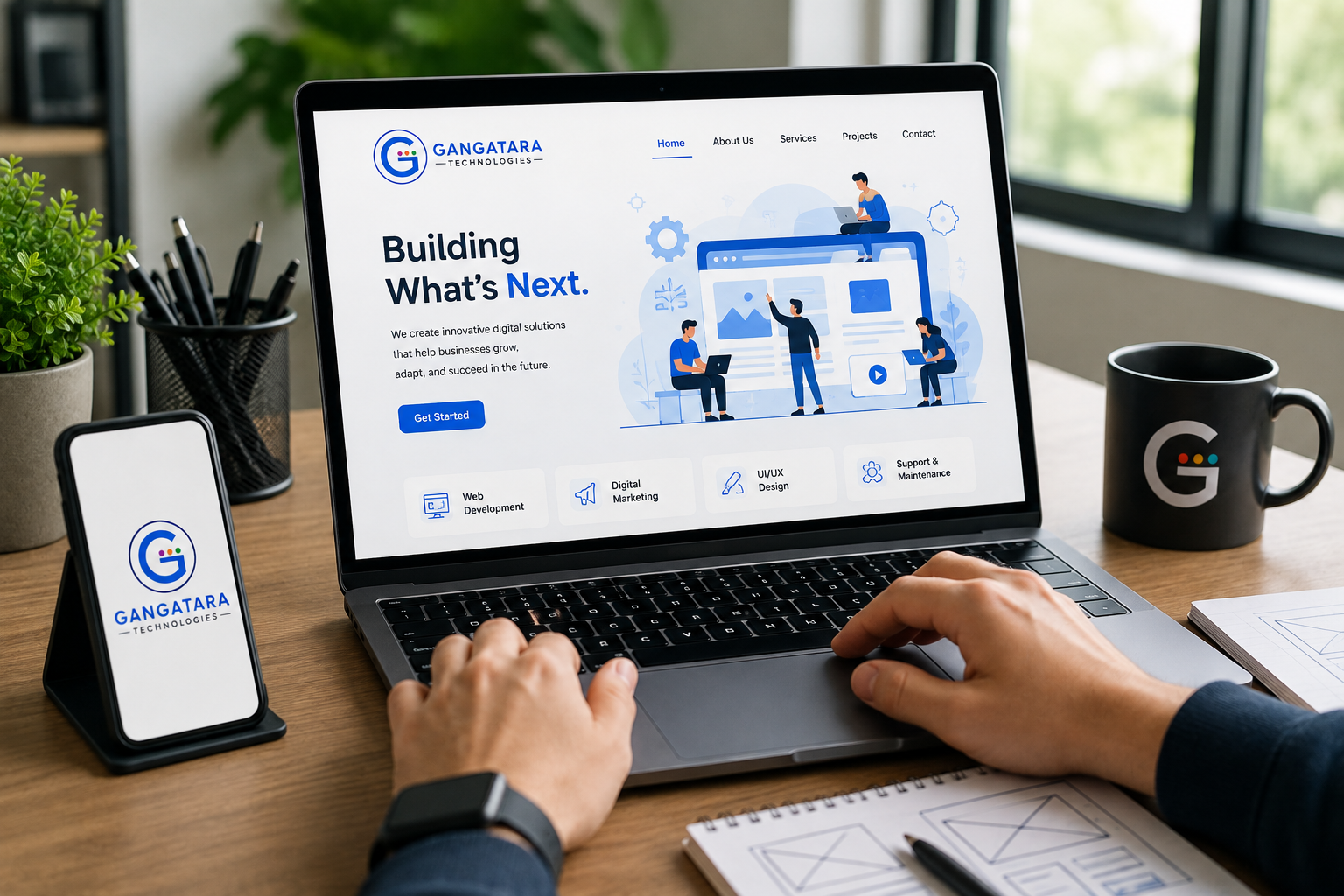
A user-friendly website is one that enables each person who lands on it to find the information they want, navigate around the site comfortably, get to know your business, and be able to take action. These days, everyone is in a hurry, so, if they have to wait on a website, they are likely to go to another option. This shows us that websites need to be user-friendly. A user-friendly website can be defined as one that has enhanced UI/UX design with fast loading speed, scannable text, responsive design for devices, accessibility features, and optimized navigation. Let us take a look at these ten easy ways to make your site more user-friendly.
1. Improve Navigation on Your Website.
Navigation is the website element that guides its users from one section to another. It is critical to have simple navigation on your website, like the ones below: Home, About Us, Services, Products, Blog, Contact Us. Avoid making unnecessary links that might confuse people on your website. Also, it is essential not to make your primary web navigation bar too large and include the most popular links.
Tips To Have Better Website Navigation:
- Make use of simple navigation labels.
- Have your menu organized.
- Include breadcrumbs.
- Make it easy to find important web pages.
- Make search available for larger websites.
2. Make the website mobile-friendly.
We live in a world where smartphones and tablets are the norm rather than the exception. Thus, you want to make it as easy as possible for mobile users on your website. This can be achieved by making your website responsive. That way, each visitor gets the perfect browsing experience, whatever device they are using. Also, websites that load faster on mobile devices improve customer experience and satisfaction.
Tips to Make a Webpage Mobile-Friendly:
- Make the layout fluid and responsive.
- Large tap targets.
- Limit horizontal scrolling.
- Make sure the font size is comfortable to read.
- Test on real devices.
3. Speed up website loading speed.
As mobile responsiveness is essential, website speed is next. Users nowadays are not patient and will navigate away with a simple “slow-loading website” message. You should optimize the website to speed it up by reducing elements that slow it down, such as images. Moreover, there are website tools that you can utilize to reduce the size of your pictures and videos. It is also critical to ensure that you invest in high-quality hosting and website infrastructure. The overall goal here is to increase the customers’ quality of experience.
Tips to Speed Up Webpage:
- Compress your images.
- Use advanced image formats.
- Optimize your script and CSS.
- Use cookies and caching.
- Use a CDN.
- Monitor website performance on a regular basis.
4. Make website content scannable.
Website content writing needs to offer more value to users and help guide them and their needs. For instance, write concise, clear information on products, company values, and the unique selling points rather than writing huge paragraphs full of irrelevant information. As a result, the website will be more beneficial and helpful to your audience and customers.
Tips For Creating Scannable Content:
- Create descriptive subheadings.
- Use bullet points.
- Keep paragraphs short.
- Remove irrelevant information.
- Write using simple words.
5. Add website calls to action.
A website call-to-action is what prompts your visitors to request what you sell or services that you provide. The idea is to make it easy for them to contact, hire you, request a quote, or fill in a form. Therefore, the best practice is to add relevant call-to-action buttons (CTAs) on your website. Examples of calls to action include: Get a Free Quote; Contact Us; Book a Consultation; Request a Demo; Get Started, among others.
Website calls-to-action are essential to guide your customers in the process of getting what they need for your business.
Tips for Adding Website CTAs
- Only add CTAs where the user needs them.
- Avoid overdoing various CTAs that confuse the visitor.
6. Implement a clean design and branding.
It is always recommended to have a website that is clean and consistent rather than one that is busy and distracting. A professional-looking website can offer more value to your audience and assist you in converting your website visitors into customers to grow your business. The idea is to avoid clutter on your website, like using different colors, animations, elements, and fonts.
You will also want to make sure that a similar layout runs throughout all the web pages. In this way, each visitor gets a clear and helpful experience when utilizing your website. Additionally, ensure that you maintain the same website layout, text font, color, and structure.
7. Use simple website forms.
Many people hesitate to fill in forms, especially if they have too many fields or information, so you want to avoid putting any unnecessary form elements. For example, you can put contact us form fields: Name, Email, Phone Number, and Message. For lengthy forms, it is a good idea to break them down into sections with relevant instructions.
8. Ensure website accessibility.
An accessible website offers customers a wide range of options in terms of digital engagement, browsing experience, and much more. Moreover, many firms across the globe have found that adding accessibility features helps the bottom line at the same time as offering customer convenience and satisfaction.
- Accessibility tips.
- Better contrast.
- Easy-to-read text.
- Visual alternative to words.
- Keyboard navigation.
- Clear website structure.
9. Build trust with your website visitors.
You want your website to inspire trust that encourages each visitor to give you their data, time, and money. The tips for building trust with visitors are to provide trust badges, such as testimonials, reviews, and case studies. It is also critical to include your clients and businesses, like logos of happy customers, certifications, and company contact information. Another tip is to give assurance through privacy, such as providing the hyperlink to HTTPS and protecting personal information.
10. Regularly test and optimize your website.
A website should not be treated as a “set-and-forget” tool, so you need to invest enough time continuously testing and optimizing web pages. The reasons are because visitors’ behavior, technology, and business requirements tend to change over time. Therefore, ensure you check for broken links across web pages, the loading speed of each website, and any other problems and update them accordingly. It is essential to do these regular website maintenance tasks for customers to have a positive and trustworthy experience when using your site.
Benefits of a User-Friendly Website.
- A website has a ton of advantages for your company. It can lead to
- enhanced customer experience,
- increased user engagement,
- reduced bounce rate,
- higher conversion rates,
- increased brand credibility,
- improved mobile experience
- superior SEO performance,
- more leads and inquiries,
- higher client satisfaction.
Conclusion
Making your website user-friendly is essential, not only visually but also in terms of the overall experience. Enhancing the navigational experience, performance, content, call-to-action, mobile friendliness, and regular audits to ensure that everything is operating correctly could lead to a significant increase in user engagement as well as conversion rates.
By creating websites that are both highly responsive and high-performing, a professional firm of web developers can assist you to obtain the most excellent result for your website and, hence, your brand image and sales. Whether you want to create a website from scratch, apps, or optimize an existing website for higher performance to acquire more clients, we can help you to improve your business with websites that offer a better customer experience.